Have you been searching for how to get a virtual dollar card in Nigeria? If yes, you're in the right place. It's time to fulfil your international dreams.
What is a virtual card?
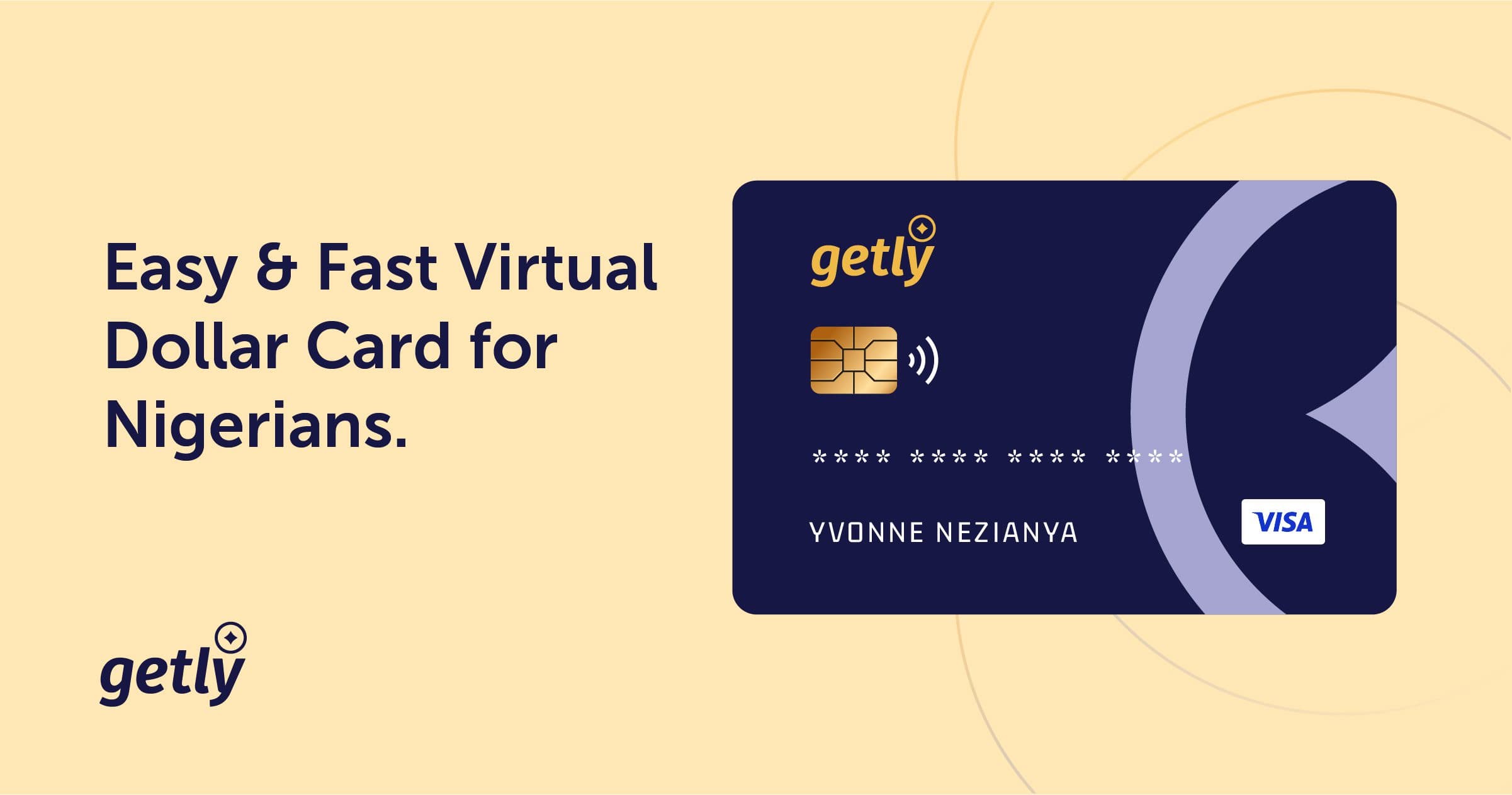
A virtual card is a digital card used for online payments or purchases that you can seamlessly create by yourself in a few minutes on your iPhone or Android on Getly.
Virtual cards work exactly like your physical bank card—they just live in your digital wallet on your phone instead of your physical wallet. Secured by encryption, they offer a safe and convenient way to pay online and in-store.
How to Create a Virtual Dollar Card in Nigeria
If you are a creative person or professional in Nigeria you've definitely experienced the headache making international payments can bring, so there's no need to bring back painful memories of that stress again.
The best solution in Nigeria: Getly virtual dollar cards — a dollar card that works, is easy to create, safe, and has competitive rates for all your global transactions.
Step 1: Create and Verify Your Getly Profile To get started, download the Getly app or visit the Getly website. Provide your name, email, and phone number, and complete the quick identity verification (KYC) in minutes.
Step 2: Fund your wallet Once you have created your profile, you will need to fund your wallet. You can do this by transferring money from your bank to your Getly wallet dedicated account number: 1. Tap your menu bar on the left-hand side. 2. Select **Wallet**. 3. Tap on **Bank Details**, then make a bank transfer of your chosen amount to the displayed account details.
Step 3: Create Your Virtual Card After verifying your profile: 1. Tap on **"Create a new virtual card"**. 2. Personalise your card by choosing your preferred color. 3. Ensure you have the corresponding local equivalent in your wallet, then confirm **"Create Card"**.
Step 4: Fund Your Virtual Dollar Card 1. Go to your **Cards** tab. 2. Tap on **Fund**, just below your card. 3. Enter your desired top-up amount. 4. Confirm your secure transaction PIN.
Voilà! You've successfully created your virtual dollar card and funded it.
Conclusion
If you have any questions or need further guidance on using Getly's virtual dollar cards on Namecheap, AliExpress, Udemy, Skillshare, Shein, Amazon, Canva Pro, and many more, send us a direct message on any of our official channels.