
AliExpress is a global e-commerce platform that allows customers to purchase a wide range of products from sellers worldwide. It is particularly popular in Africa, with Nigeria being one of the largest consumer markets. However, Nigerian shoppers have frequently faced challenges making payments on AliExpress due to local restrictions on Naira debit cards.
This guide shares an effective and simplified method for making payments on AliExpress from Nigeria using Getly's virtual cards.
Why is it difficult to pay on AliExpress from Nigeria?
International transaction restrictions and FX caps on domestic currency debit cards make direct checkout on global stores tricky. Transactions frequently decline, leaving shoppers stranded at checkout.
Virtual Dollar Card: Your Solution for Paying on AliExpress
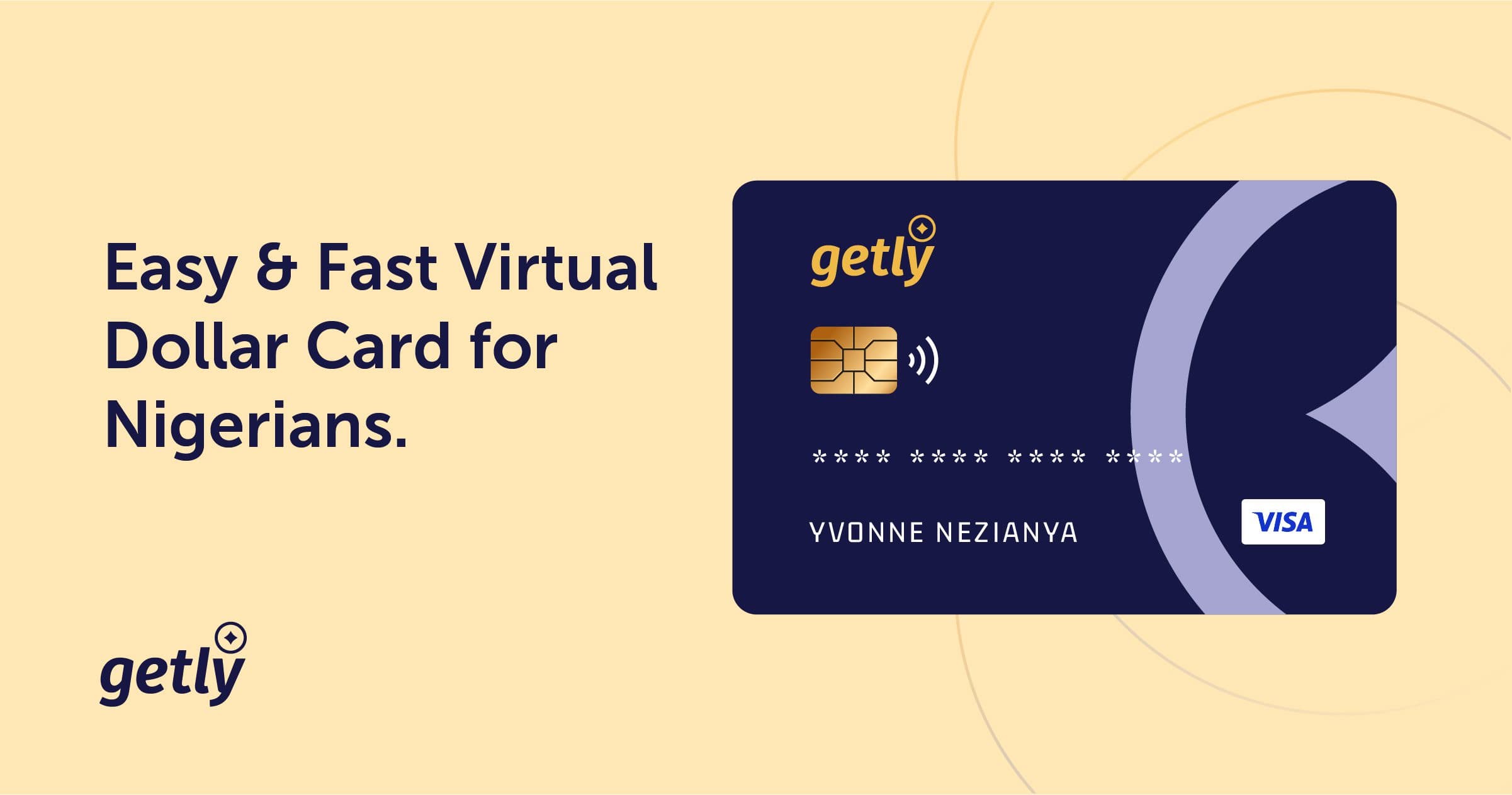
To shop on AliExpress from Nigeria, you need a card billed in USD that supports 3D-Secure authentication. A virtual dollar card is a prepaid digital card created specifically for seamless online shopping.
With the Getly virtual dollar card, you can pay effortlessly on international shopping platforms like AliExpress, Alibaba, Amazon, and Shein.
Creating your Virtual Card with Getly
Creating your virtual card takes just a few moments:
- 1Open your Getly app.
- 2Select **Cards** and tap **"Create a new virtual card"**.
- 3Choose your preferred card design and name.
- 4Fund your wallet using a simple bank transfer to your dedicated wallet account number.
- 5Tap **Fund Card** to move funds into your USD card balance.
Paying on AliExpress: Step-by-Step
- 1Open the AliExpress app or website and add your chosen items to your cart.
- 2Proceed to **Checkout**.
- 3Under **Payment Methods**, select **"Add new card"**.
- 4Enter your Getly card details:
- 5Save the card and tap **Place Order**.
- 6When prompted for 3D Secure confirmation, authenticate quickly in your Getly app.
Your transaction will clear immediately, and your AliExpress order will be processed!